GitHub Copilot Local Sandboxing: Operator Checklist
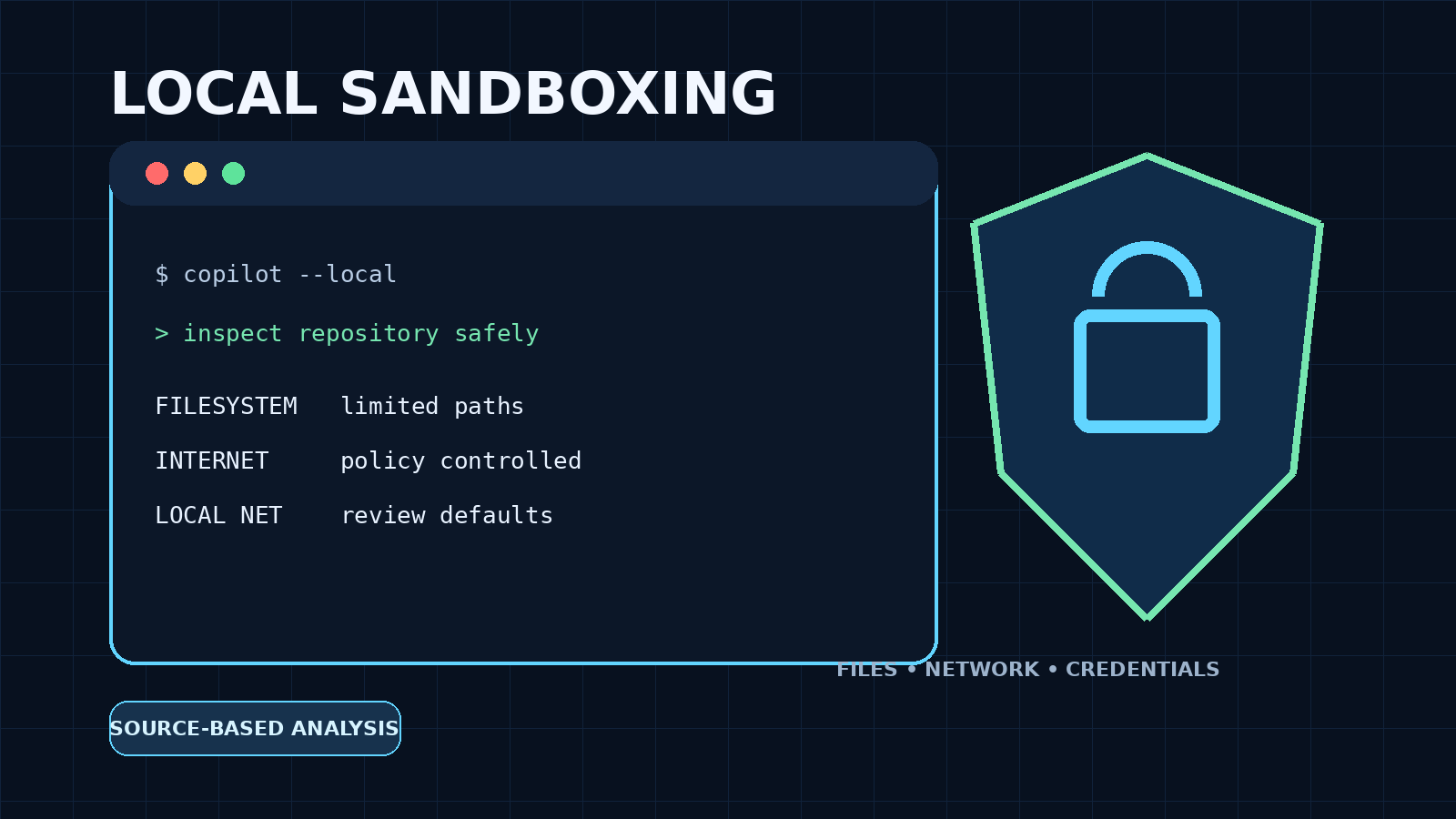
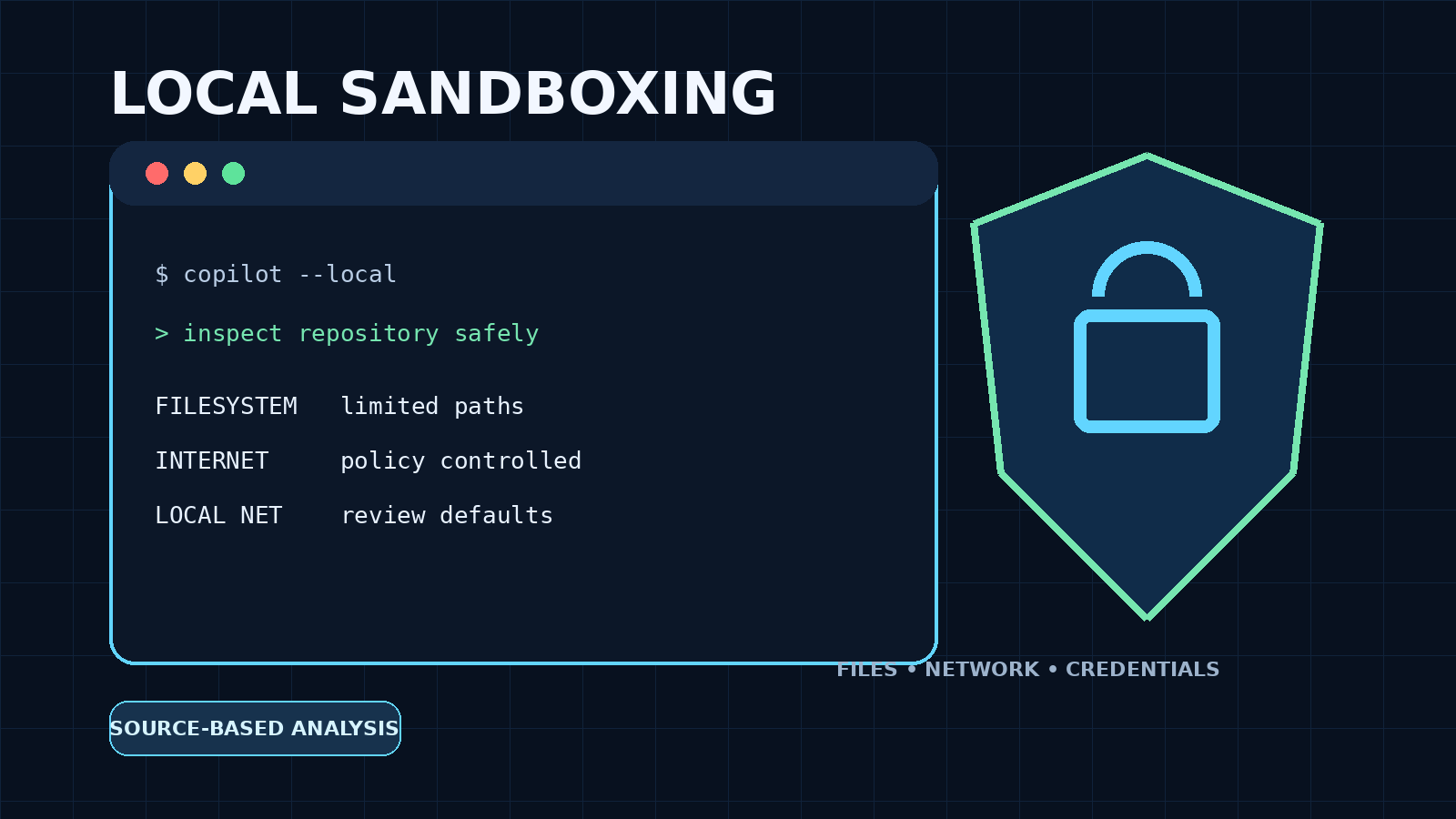
GitHub Copilot local sandboxing limits agent access to files and networks, but operators still need to review defaults, credentials, and exceptions.
Quick answer: GitHub announced general availability of local sandboxing for Copilot CLI, the GitHub Copilot app, and VS Code sessions using Agent Host on October 7, 2026. It is a useful containment layer for commands an agent runs on a developer workstation, but it is not a reason to expose secrets or approve every action. The practical task is to confirm the Copilot surface in use, enable and narrow its filesystem, network, and credential policy, test that policy against the real workflow, and keep high-impact credentials outside the agent's reachable environment.
This is a source-based operator analysis. WealthLab reviewed GitHub's announcement and current documentation, Microsoft's MXC policy specification, and independent reporting about prompt-injection risk in coding agents. We did not execute Copilot, MXC, or a hostile prompt locally, and this article does not claim a hands-on security test.
What changed on October 7, 2026?
GitHub's dated changelog says local sandboxing is generally available in Copilot CLI, the GitHub Copilot app, and VS Code sessions using Agent Host. GitHub describes it as an operating-system-level boundary around tools the agent invokes, with controls for filesystem paths, network and credential access. The implementation uses Microsoft eXecution Container (MXC) to translate a common policy into native controls across Windows, macOS, and Linux.
That scope still needs careful reading. GitHub's app documentation says project-level sandboxing applies to local repository and working-tree sessions. It does not apply to cloud sessions or sessions running on a remote host, and settings in the app do not automatically configure Copilot CLI. Some current documentation pages still carry public-preview or experimental notes despite the later dated GA announcement, so verify the effective product, version, session type, and policy instead of transferring assumptions between surfaces.
Why this matters for self-hosting and infrastructure work
Coding agents are often used in repositories that also contain deployment manifests, local service endpoints, SSH configuration, environment files, package-manager credentials, or access to a Docker socket. A working tree separates branches and files used by concurrent sessions, but it does not by itself stop a process from reading elsewhere on the workstation. GitHub explicitly presents local sandboxing as the additional boundary for commands and tools the agent runs.
The security goal is not to make an agent infallible. It is to reduce the blast radius of a bad command, compromised dependency, malicious repository instruction, or prompt injection. Independent reporting from The Register on October 6, 2026 described research in which carefully constructed web content could steer Copilot CLI toward secret disclosure. That report is context for why containment is useful; it is not independent validation of GitHub's October 7 feature behavior.
Understand the three boundaries
1. Filesystem policy
GitHub says the local sandbox can restrict which paths are readable and writable. Keep the writable set limited to the repository and the minimum build/cache locations needed by the project. Treat read access as sensitive too: an agent that cannot modify ~/.ssh may still cause harm if it can read private keys, cloud credentials, browser profiles, password-store data, or unrelated environment files.
2. Internet access
The Copilot app exposes an outbound-internet control. Internet access may be needed for source control, package registries, documentation, and remote APIs, but it also creates an exfiltration path. Start with the narrowest setting the workflow supports. If broad internet access is necessary, pair it with strict filesystem and credential boundaries rather than treating network policy as the only defense.
3. Local-network access
GitHub documents local-network access separately from outbound internet. Current app documentation says both network settings are enabled by default when sandboxing is configured, so enabling the sandbox is not the end of the review. Local access can expose loopback services, development databases, NAS devices, routers, dashboards, and other RFC1918 services. Turn it off unless the task genuinely needs a local development server or another private endpoint.
Operator checklist
- Map the execution surface. Confirm whether work runs in the GitHub Copilot app, Copilot CLI, a cloud session, or a remote host. Do not transfer assumptions between surfaces.
- Enable sandboxing for each local project. GitHub documents the setting per project and says it applies to new sessions; verify the current session rather than assuming a changed default was applied retroactively.
- Review network defaults. Decide independently whether the task needs public internet and local-network access. Disable either capability when it is not required.
- Minimize readable and writable paths. Keep unrelated repositories, home-directory secrets, deployment archives, and personal data outside the policy.
- Remove ambient credentials. Prefer short-lived, task-scoped credentials and a least-privilege account. Do not leave production tokens in repository files or inherited shell environments.
- Treat MCP and language servers as part of the boundary. GitHub says local MCP and language servers invoked by an agent run inside the sandbox by default, but extensions and exceptions still need review.
- Test denied actions safely. In a disposable project, confirm the session cannot read a harmless marker outside the allowed tree, write to a protected test path, or contact a blocked local test service.
- Keep approval gates for destructive work. Sandboxing does not replace review before production deploys, database changes, firewall edits, purchases, or credential rotation.
- Record exceptions. A permanent filesystem or network exception should have an owner, a reason, and a review date.
Fit and non-fit cases
Good fit: local code editing, test execution, dependency installation in a constrained project, documentation builds, and repository maintenance where a developer needs local speed but wants a smaller command-execution boundary.
Use stronger isolation instead: untrusted malware analysis, high-risk exploit development, unknown binary execution, or work involving production secrets. Prefer a disposable VM, an isolated cloud environment, or another boundary designed for hostile workloads.
Not a substitute for: repository review, signed and pinned dependencies, branch protection, secret scanning, endpoint security, backups, network segmentation, least-privilege cloud identities, or human confirmation for irreversible operations.
Rollback and troubleshooting plan
A sandbox can break legitimate tools when they expect access to a socket, cache, credential helper, local database, or private package registry. Do not respond by granting the whole home directory or entire LAN. Capture the denied operation, identify the exact path or destination, add the narrowest temporary exception, retest, and remove the exception after the task.
If the workflow cannot function under a reasonable policy, move that task into a disposable environment rather than weakening the workstation globally. Keep a known-good project configuration so policy changes can be rolled back without disabling every control.
What not to conclude
- “Generally available” does not mean every Copilot product surface has the same status, defaults, or controls.
- A sandbox reduces impact; it does not prove that prompt injection, unsafe commands, or dependency attacks are impossible.
- A working tree separates code state, not all host resources.
- Blocking public internet does not automatically block loopback or the local network.
- Allowing only repository writes does not make broad read access harmless.
Related WealthLab guides
- How to install Hermes Agent on Linux safely — apply the same least-privilege and approval principles to another local agent workflow.
- Docker VPS checklist — separate developer-workstation controls from production host hardening.
- VPS firewall checklist for Docker apps — reduce network exposure after code leaves the workstation.
- Podman checkpoint-image sandbox-bypass checklist — a reminder that container and sandbox boundaries still need versioned security maintenance.
Evidence boundary and sources
Sources checked October 21, 2026:
- GitHub Changelog, October 7, 2026 — announcement date, generally available Copilot surfaces, supported desktop operating systems, policy areas, and MXC attribution.
- GitHub Docs: configuring local sandboxing in the Copilot app — project/session scope and network-setting behavior.
- GitHub Docs: cloud and local sandboxes — conceptual boundary and product-surface distinctions.
- Microsoft MXC repository — policy-model implementation context; consult the current versioned policy documentation in the repository.
- Visual Studio Magazine, October 15, 2026 — independent coverage of the GA announcement and its security context.
- The Register, October 6, 2026 — independent prompt-injection and secret-exposure risk context, not validation of the GA feature.
No hands-on reproduction or benchmark was performed. Exact controls and defaults can change after publication; verify the current GitHub documentation and effective session settings before relying on them.
This analysis is non-commercial and contains no affiliate links.
Related security review
- GitHub AI Scan for pull requests — understand where AI-labelled findings help and where blocking controls are still required.
Related governance review
- GitHub Copilot global-default policy audit — review which unconfigured features inherit organization or enterprise policy.
Related GitHub Copilot operations
- GitHub Copilot SDK server authentication checklist — scope unattended Copilot services with GitHub App permissions, short-lived tokens, and organization policy.
Related WealthLab analysis
- AI security sprints need two boundaries — separate what an agent may attempt from what its execution environment can reach.